iPhone · iPad · Mac · Apple Vision Pro
Turn any photo into a depth map instantly.
On-device, private, free.
Perfect for 3D, AR, and creative workflows.
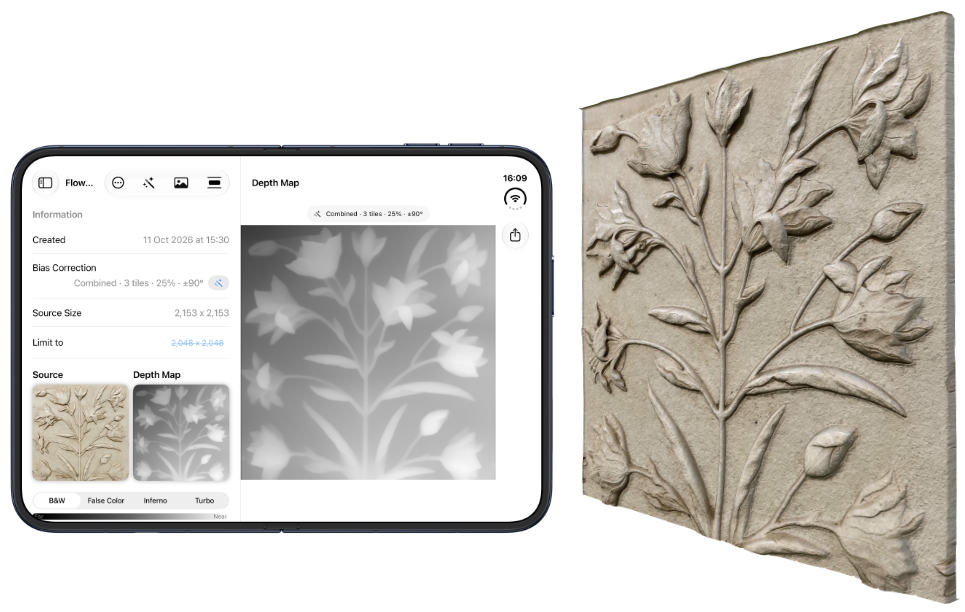
On-device, private, free.
Perfect for 3D, AR, and creative workflows.
Pick a photo, get a depth map. Then refine it until it is exactly what you need.
Import any photo and get a detailed depth map in seconds. Powered by Depth Anything V2, running entirely on your device.
No account, no upload, no cloud processing. Everything — model, photos and results — stays on your device.
Depth models tend to favor the top or bottom of an image. Flip averaging and tiling remove that bias for noticeably cleaner results.
Black & white for 3D tools, or False Color, Inferno and Turbo to actually see depth. Switch with one tap, with a live Far-to-Near legend.
Every depth map is saved as a session with its source image and settings. Group related work into collections like “Stone” or “Relief”.
Save, copy or share the source image and the depth map directly into your 3D, AR or image-editing tools. Zoom in to inspect every detail first.
The same depth data, rendered the way you need it.
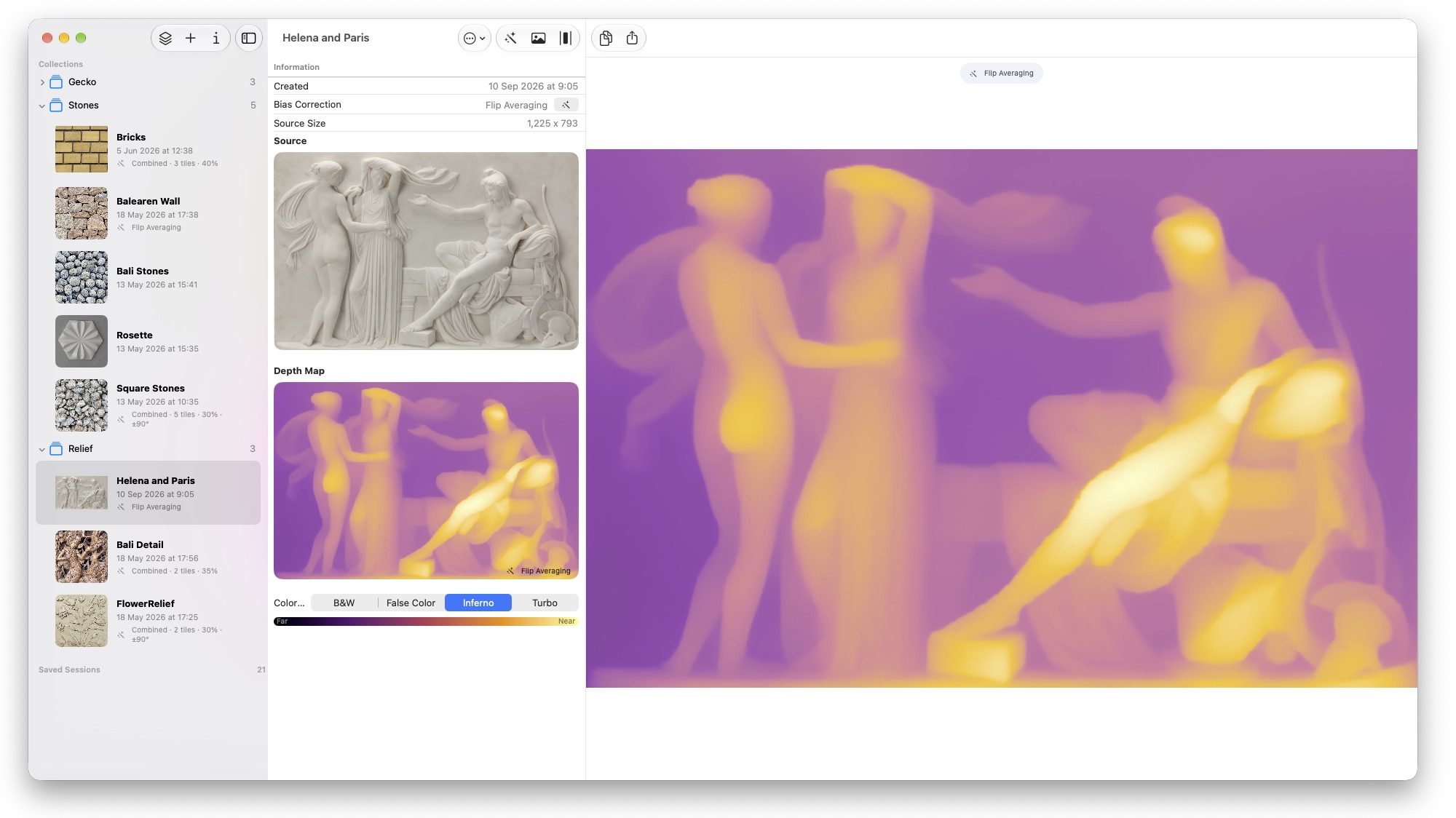
The classic grayscale depth map for displacement, parallax and 3D tools.
A simple two-tone ramp from deep blue to yellow — easy to read at a glance.
Perceptually uniform, from black through purple and orange to pale yellow.
A rich rainbow-style ramp with maximum contrast between neighboring depths — ideal for spotting subtle differences.
Pick a strategy, compare against the standard result, and keep what looks best.
Depth estimation models are not perfectly neutral — they tend to treat the top or bottom of a picture differently. Depth Mapper corrects this by estimating depth several times and merging the results.
Averages four orientations of the image to remove the model's top/bottom bias.
Splits the image into 2–6 tiles with adjustable overlap and blends them back together.
Tiling plus flip averaging per tile — best quality, slowest processing. Add ±90° rotation variants for even more estimations.
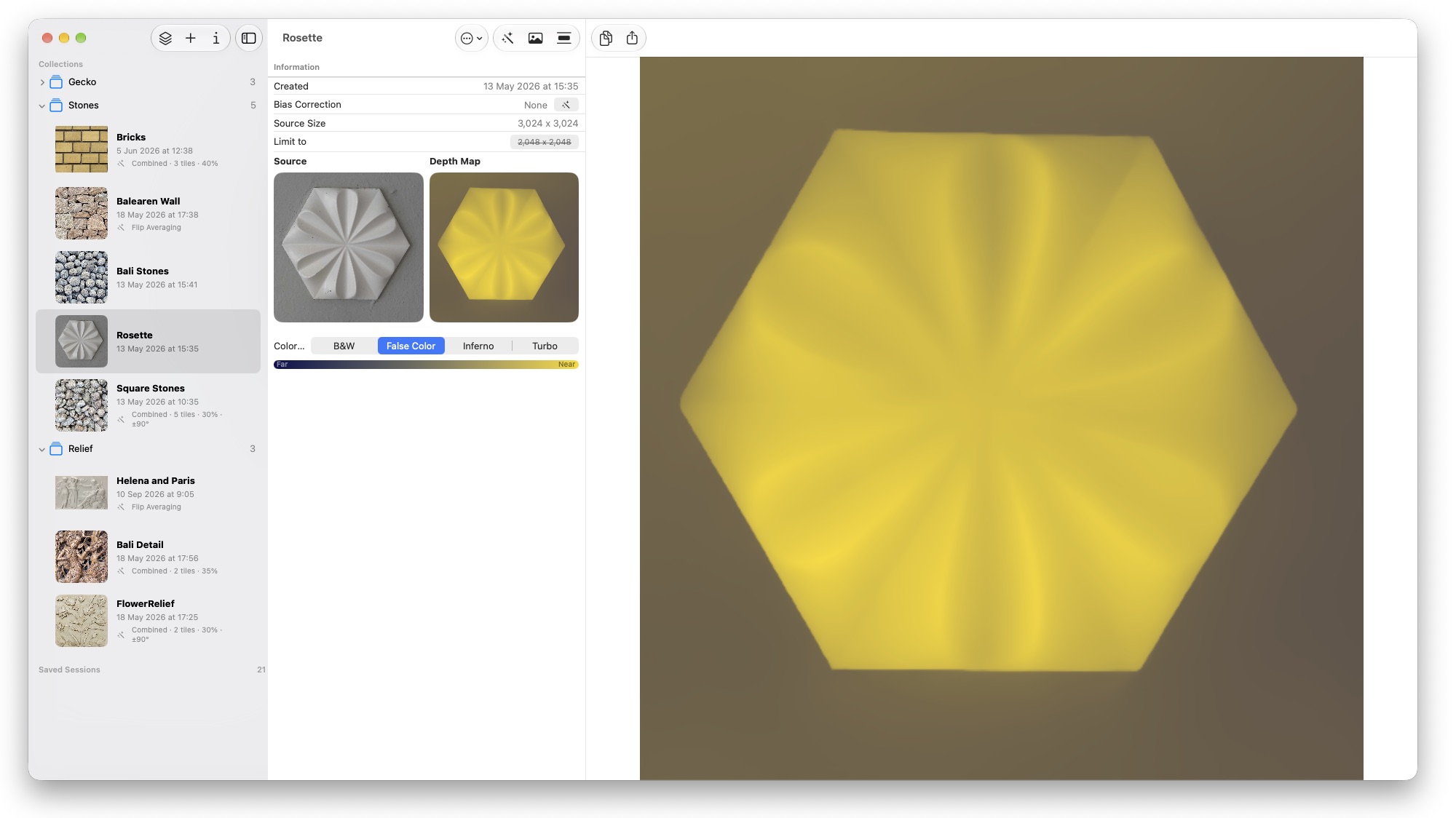
Compare Standard and Combined before you apply.
Depth Mapper adapts to the device in your hand — or the room around you.
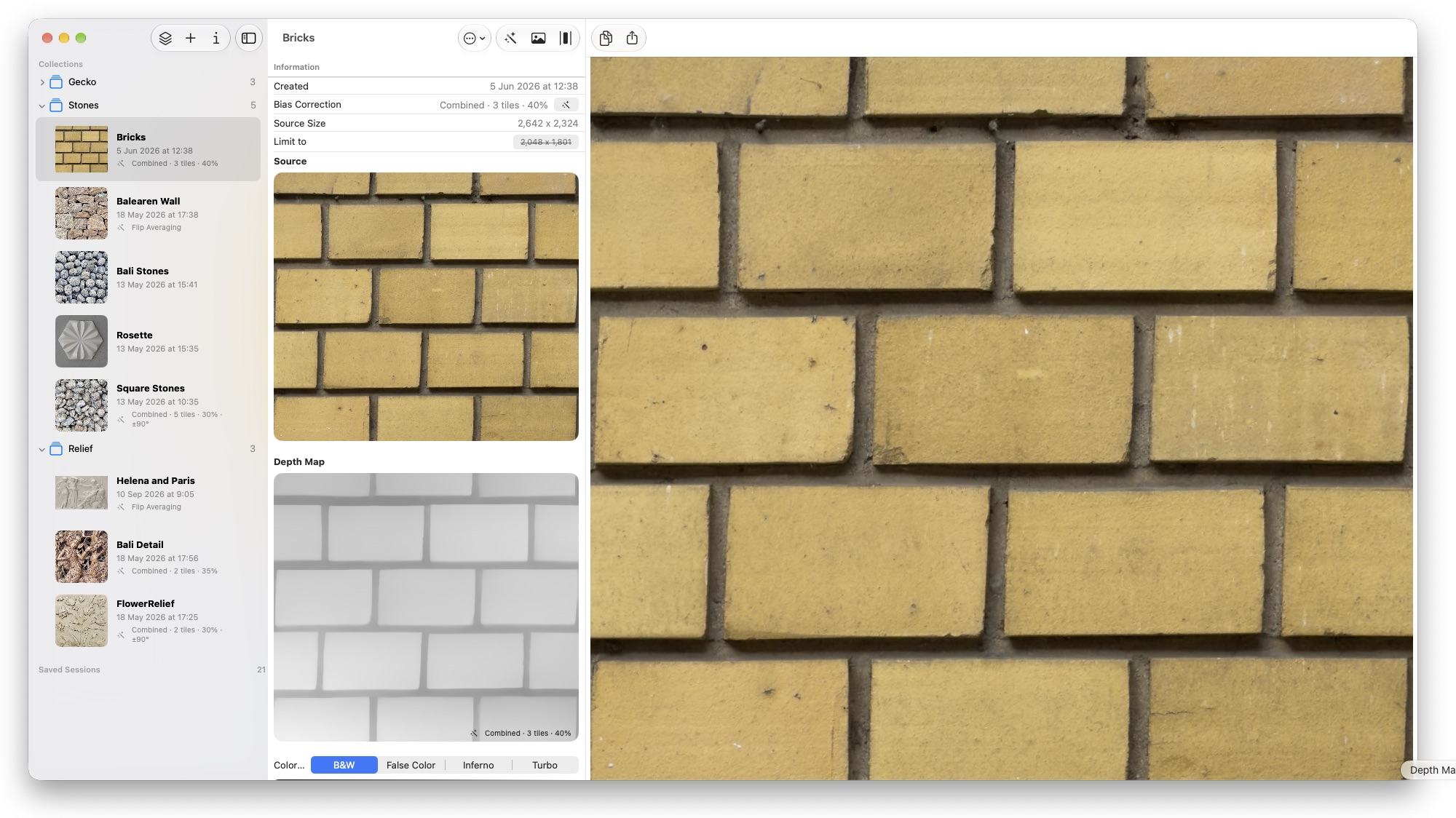
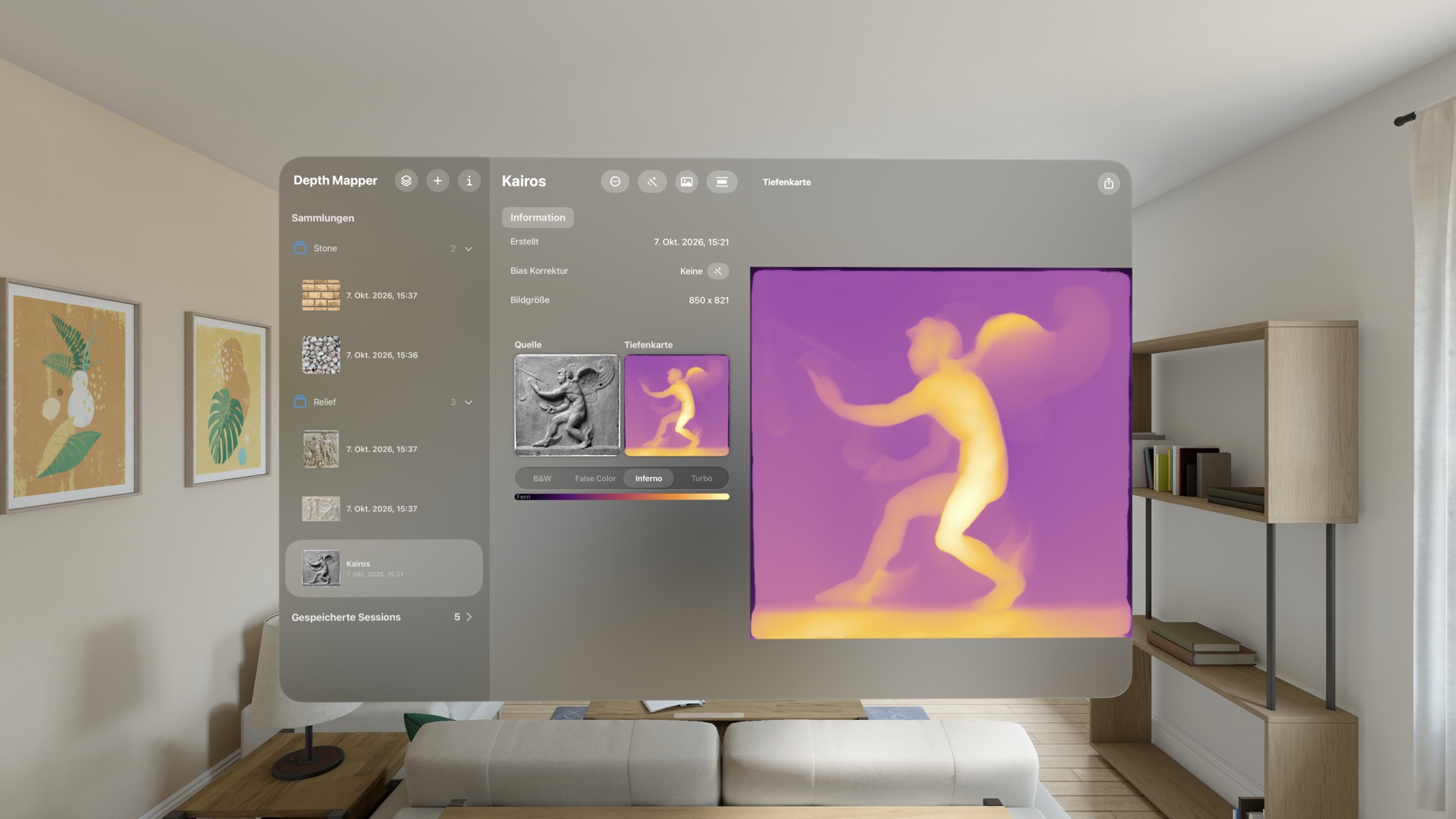
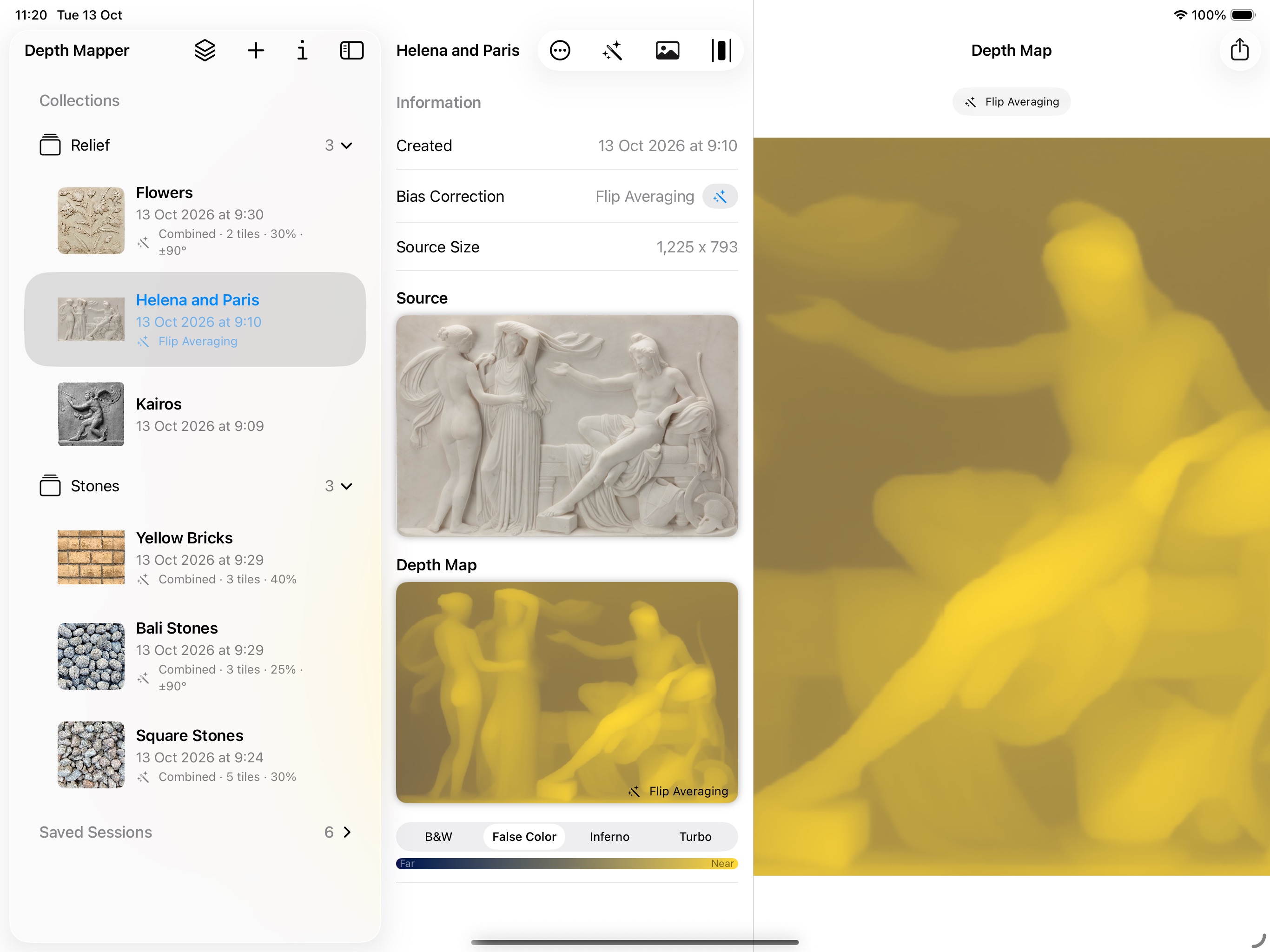
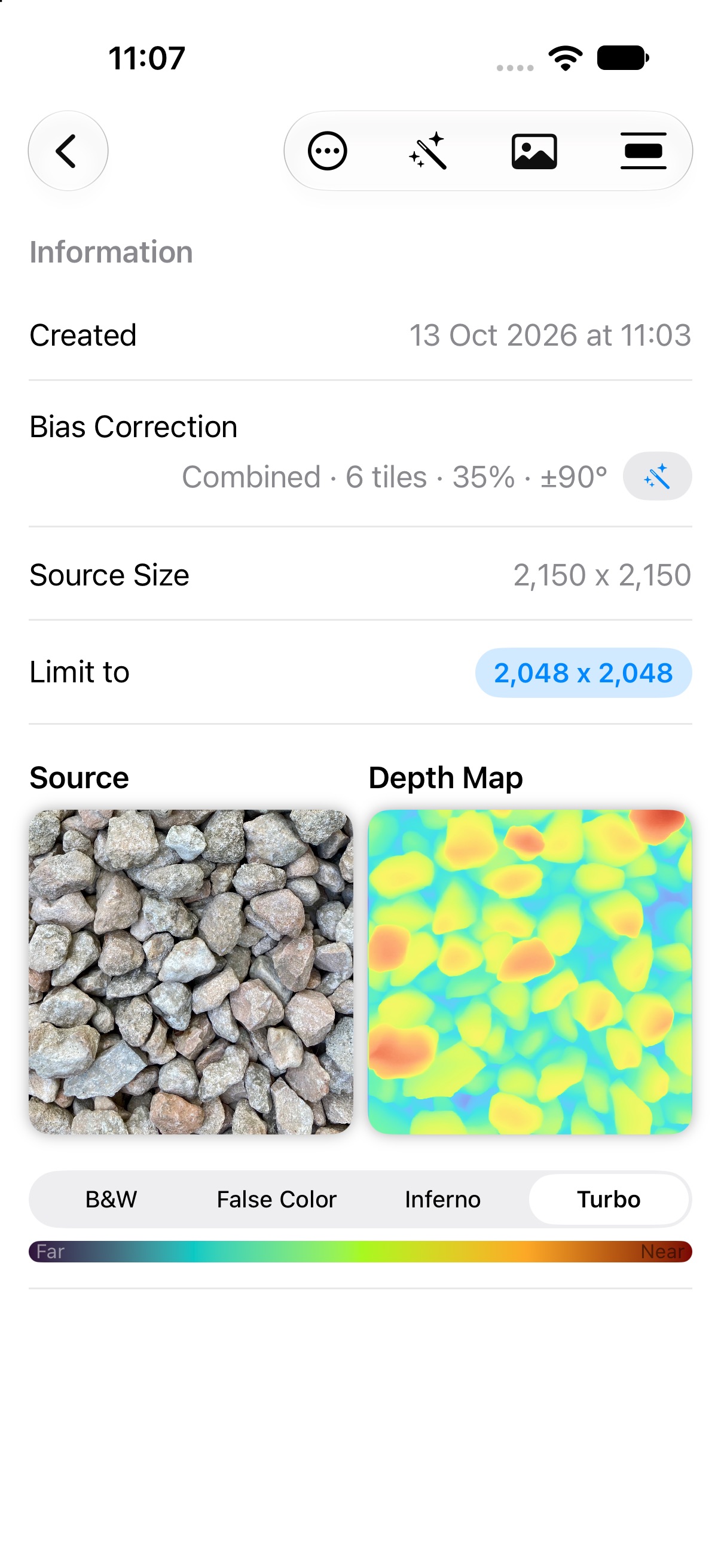
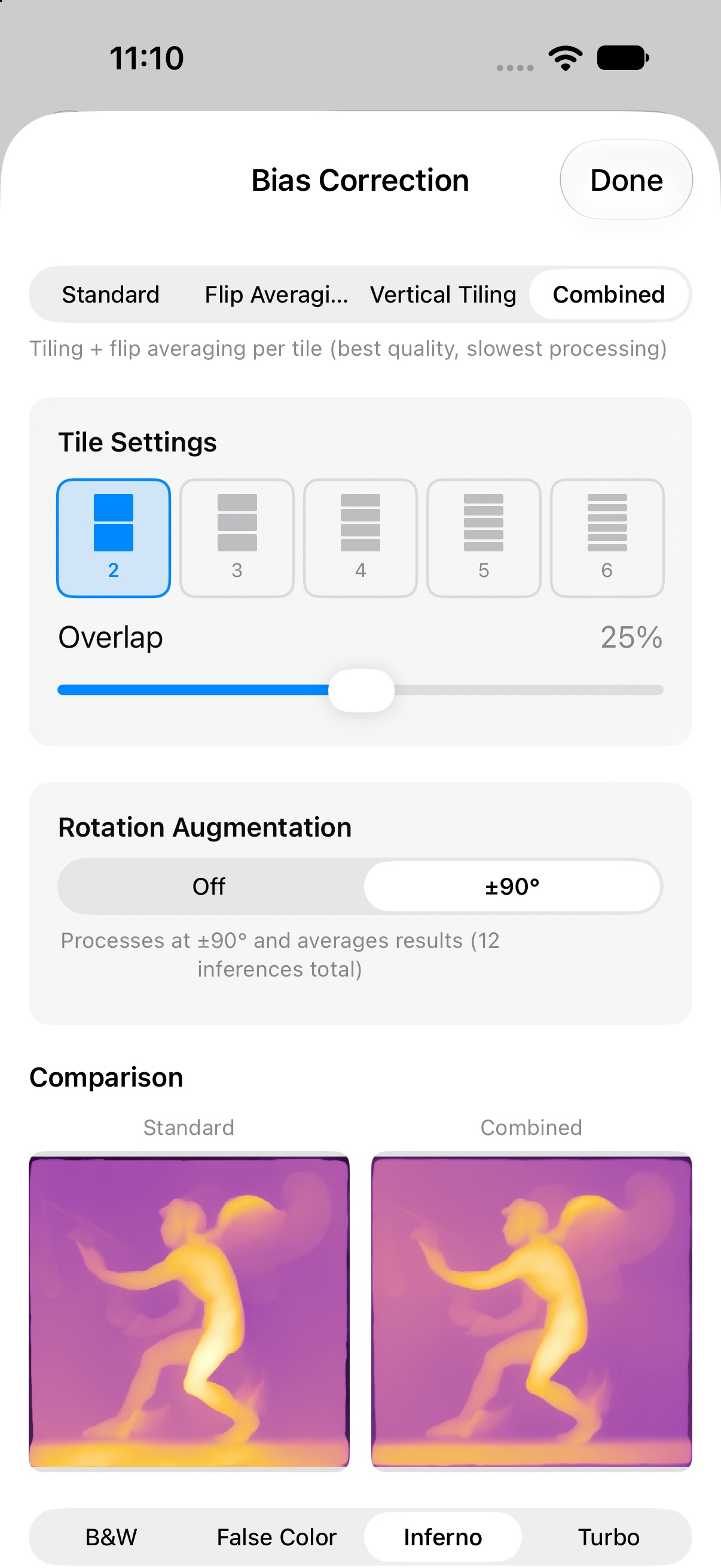
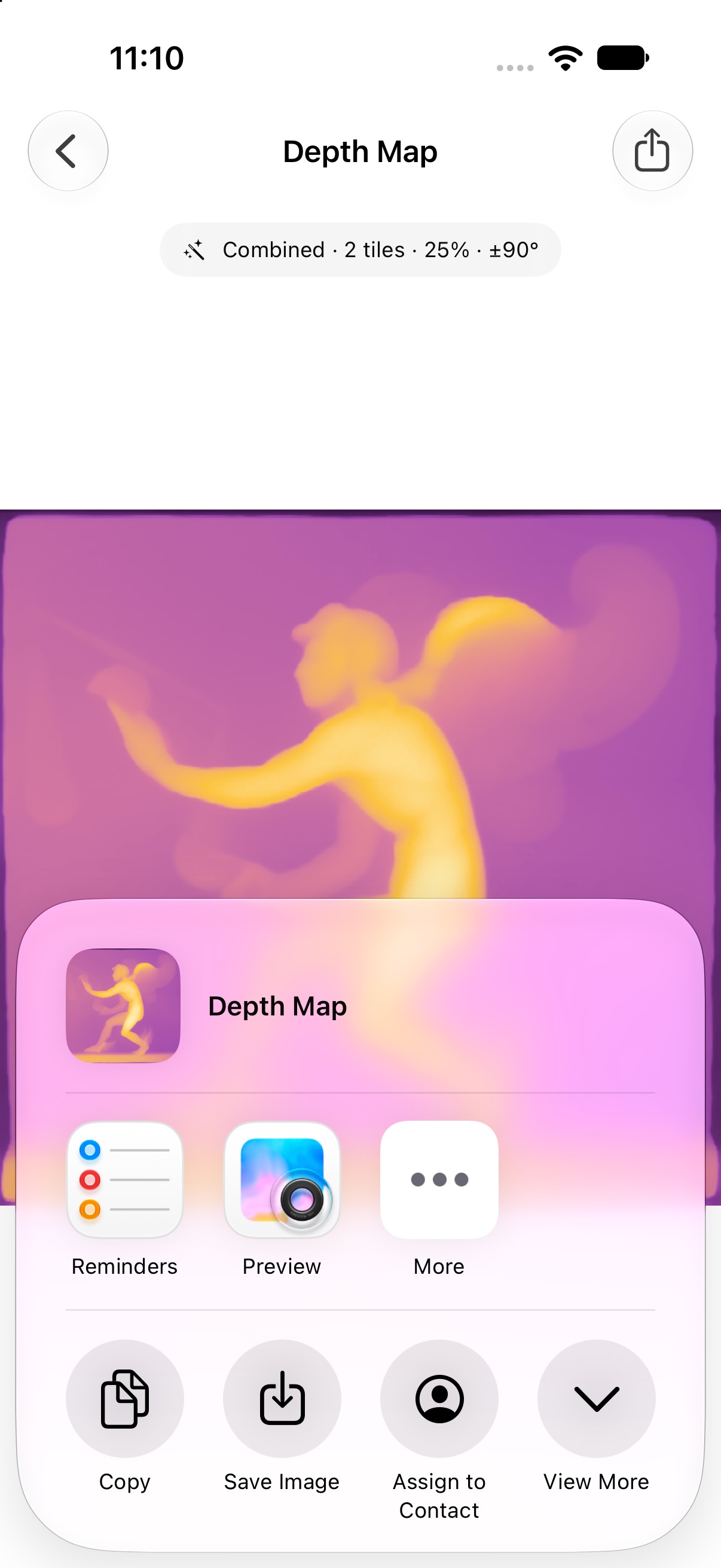
iPhone Everything in your pocket, from capture to share
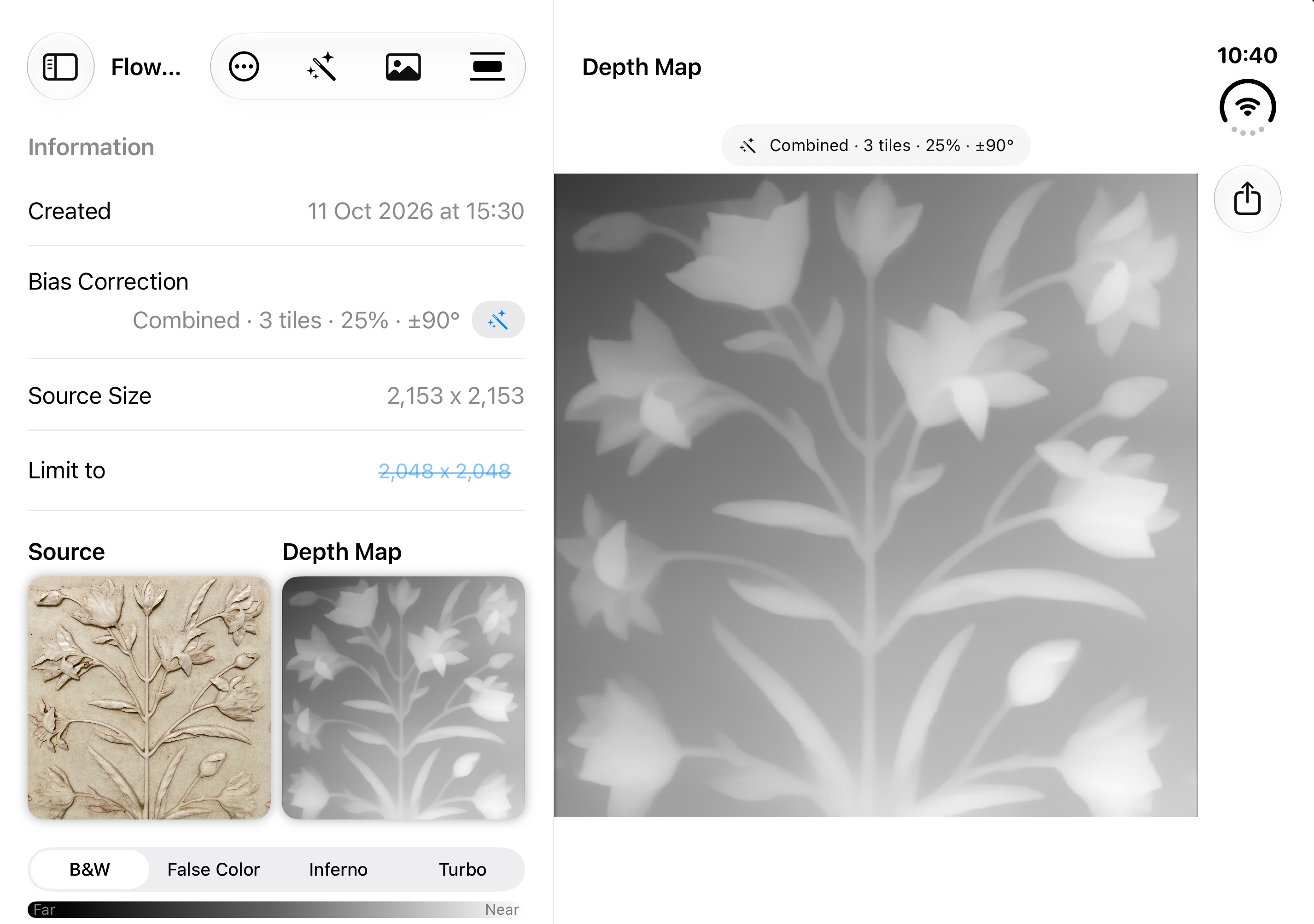
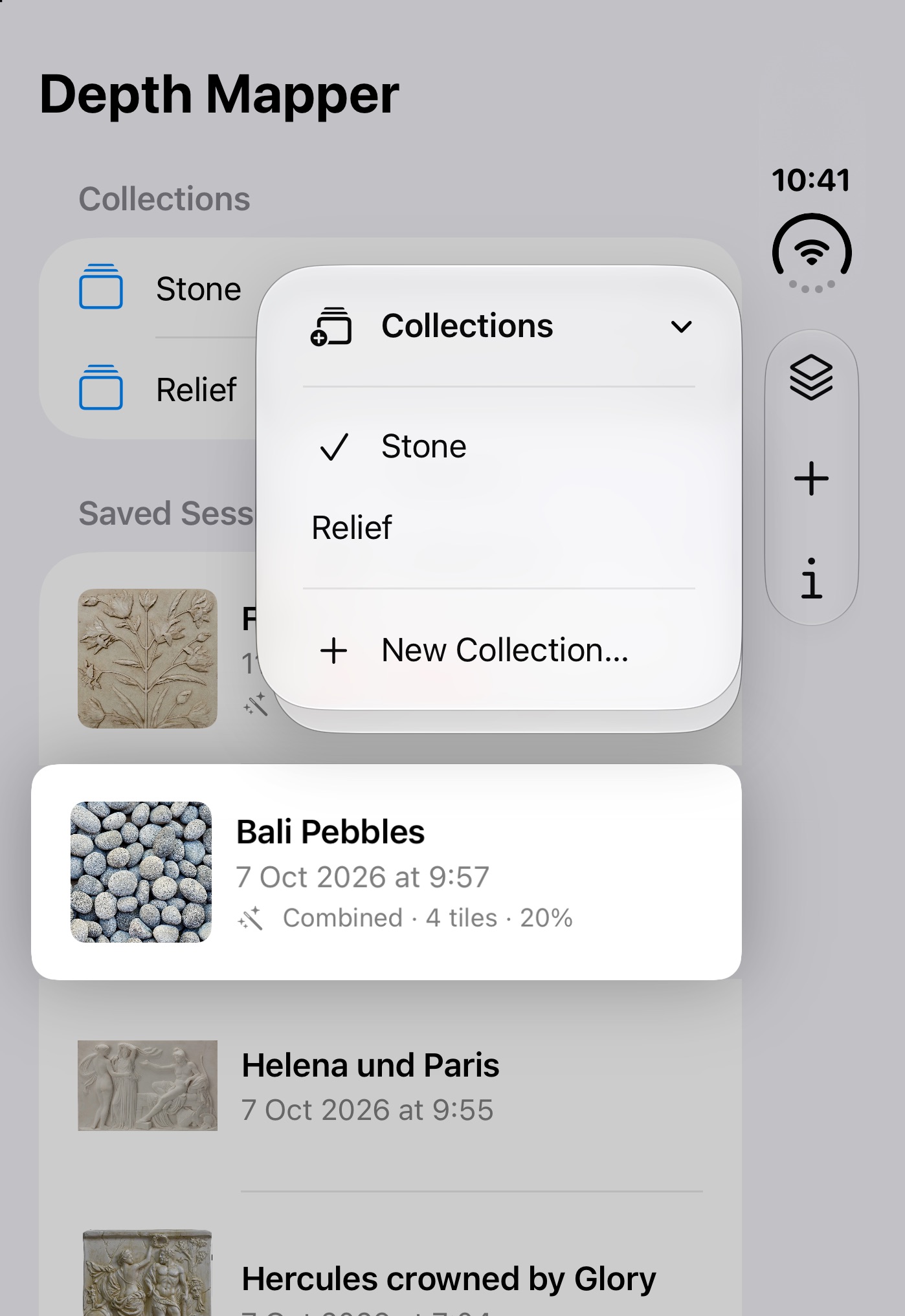
iPhone Duo Unfold for a split view with details and a full-size depth map, fold for one-handed use
Choose any picture from your library — a stone wall, a portrait, a landscape, a sculpture.
The on-device model calculates depth immediately. Use “Fast” mode for a quick result (long edge capped at 2048 px) or “Full” for the original resolution.
Choose a color map and apply bias correction. Every session remembers its settings, so you can come back and adjust later.
Save or share the depth map and the source image into your favorite tools.
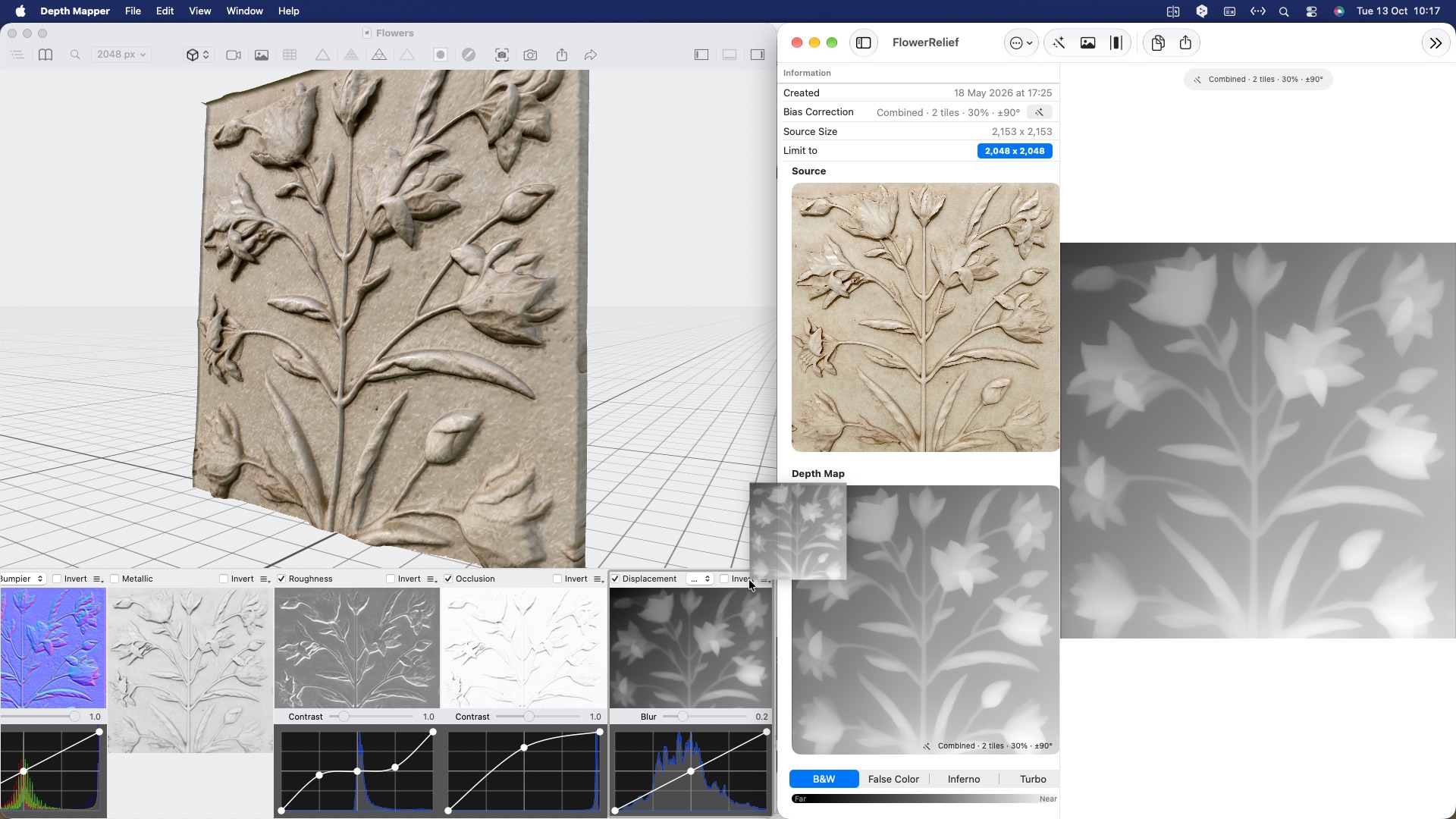
Depth maps make great displacement and height data for 3D work. Here, one drives a relief material in PBRtist for macOS — also see MaterialX for Apple Vision Pro.
On-device. Private. Free.
Download on the App StoreFor iPhone, iPad, Mac and Apple Vision Pro